

















Wattage, Capacity, Ports & Compatibility Explained
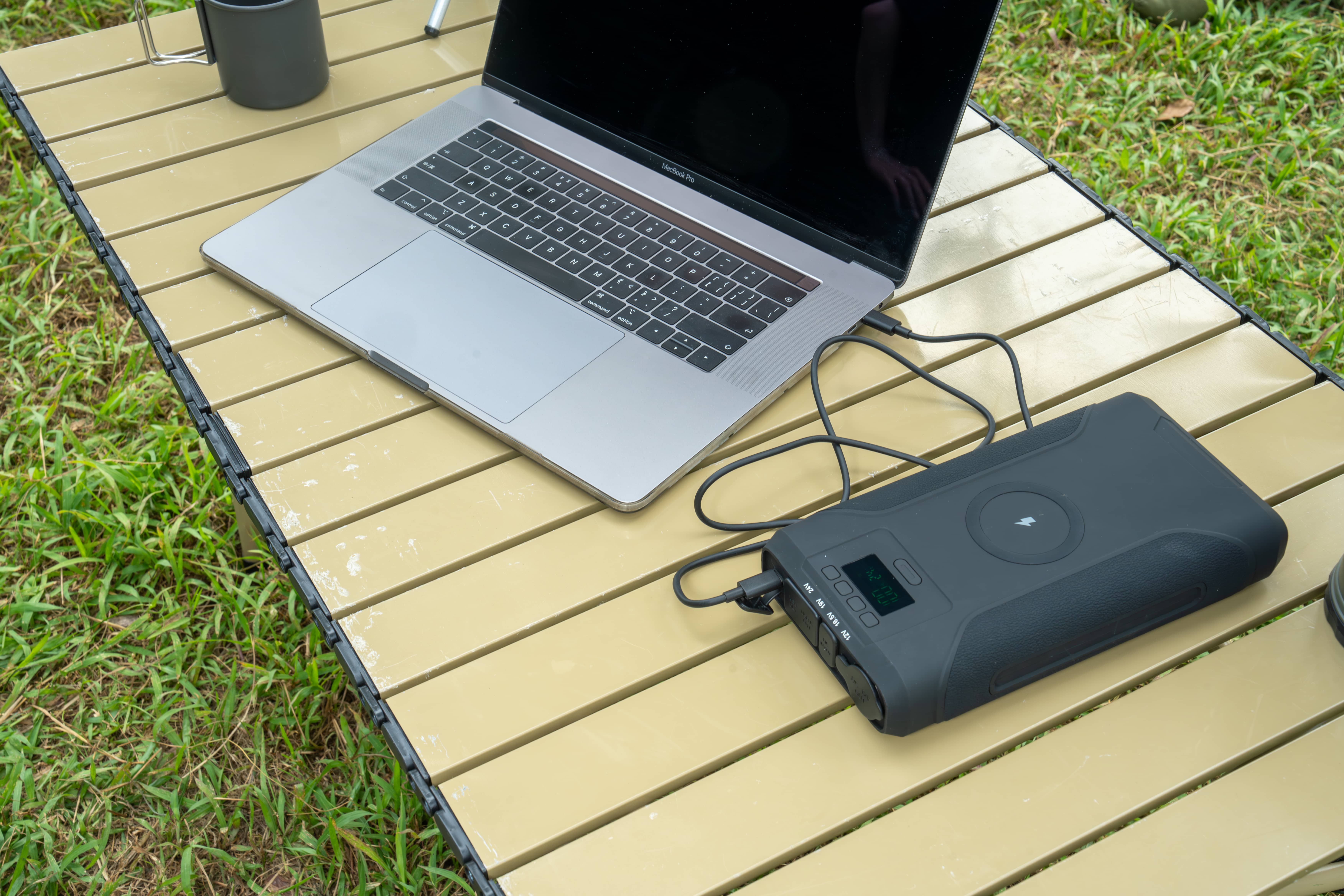
Charging a laptop with a power bank is no longer a niche use case—it has become a mainstream requirement for travelers, remote workers, digital nomads, campers, engineers, photographers, and anyone who works away from a wall outlet.
But not all power banks are created equal.
Many users buy a “high-capacity” power bank only to find that their laptop charges extremely slowly, the battery continues to drain while plugged in, or the power bank doesn’t work at all.
This guide explains exactly what kind of power bank you need to charge a laptop, how to calculate runtime, which ports matter, and when a higher-capacity power pack makes more sense than a standard portable charger.
Quick Answer
To charge a laptop with a power bank, you need one that supports USB-C Power Delivery (PD) with at least 45W–65W output and enough energy capacity (ideally 100Wh or more). High-performance laptops may require 90W–100W PD or a DC output with the correct voltage.
Can All Power Banks Charge Laptops?
The short answer is no.
Most power banks on the market are designed for phones and small electronics, not laptops.
Typical phone-focused power banks output only 5V via USB-A, deliver 10–22.5W at most, lack voltage negotiation, and cannot sustain high current for long periods.
A laptop, by contrast, typically needs 15V–20V, 45W–100W of power, and stable, continuous delivery.
If the voltage or wattage is insufficient, the laptop may refuse to charge, charge only while powered off, drain battery faster than it charges, or enter a low-performance mode.
The Key Technology: USB-C Power Delivery (PD)
USB-C Power Delivery is a fast-charging protocol that allows devices to negotiate voltage and current dynamically.
Instead of fixed 5V output, PD supports 5V, 9V, 12V, 15V, and 20V. This makes USB-C PD essential for laptop charging.
Without PD, a power bank cannot supply 20V and the laptop cannot request higher power. With PD, the laptop requests the correct voltage, the power bank adjusts output automatically, and charging remains safe and efficient.
How Much Wattage Does Your Laptop Need?
The easiest way to find out is to check your original charger.
Look at the output label on the adapter. For example, if it says 20V ⎓ 3.25A, that equals 65W.
Most ultrabooks require 30–45W, standard 14–15 inch laptops need 45–65W, professional laptops often require 90–100W, and gaming laptops usually exceed what power banks can reasonably supply.
If a power bank provides less wattage than your laptop requires, charging may be slow or unstable. In many cases, the laptop will still lose battery percentage while plugged in.
Capacity Explained: mAh vs Wh
Capacity is one of the most misunderstood specifications.
Most power banks advertise capacity in mAh, but this number alone is misleading for laptops. mAh is measured at the internal battery cell voltage (around 3.6–3.7V), while laptops operate at much higher voltages.
Watt-hours (Wh) is the correct metric because it represents real usable energy.
The formula is simple:
Wh = mAh × Voltage ÷ 1000
For example, a 50,000mAh power bank at 3.7V equals about 185Wh.
How Long Will a Power Bank Run a Laptop?
You can estimate runtime with this formula:
Runtime (hours) = Battery Capacity (Wh) × Efficiency ÷ Laptop Power Draw (W)
Assuming 85% efficiency, a 74Wh power bank powering a 65W laptop will last roughly one hour.
A 185Wh power bank under the same load will last about 2.4 hours, while a 300Wh power pack can provide nearly four hours of runtime.
Ports That Matter for Laptop Charging
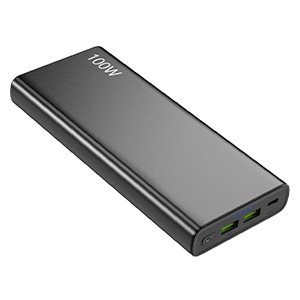
USB-C Power Delivery is essential. Look for at least 65W PD, with 100W preferred for larger laptops.
DC output is also extremely useful. Multi-voltage DC outputs such as 12V, 15V, 19V, or 24V allow direct connection to laptops using barrel connectors and provide higher efficiency than AC inverters.
AC output is optional. While it offers universal compatibility, it comes with 15–25% energy loss, additional heat, and bulkier designs.
Choosing the Right Size Power Bank
For air travel, power banks under 100Wh with 45–65W PD are ideal.
For remote work or long travel days, 100–200Wh with 65–100W PD provides much better usability.
For outdoor, off-grid, or backup scenarios, power packs over 200Wh with USB-C and DC outputs are the most practical option.
Laptop Power Bank vs Portable Charger
A standard portable charger is built for phones and small electronics, with low wattage and fixed voltage.
A laptop power bank supports high wattage, multiple voltage levels, larger capacity, and sustained output suitable for computers and professional equipment.
When a High-Capacity Power Pack Makes More Sense

If you need to charge a laptop multiple times, power several devices simultaneously, work outdoors for long hours, or support DC equipment like routers, monitors, or cameras, a high-capacity power pack is often a better solution than a compact power bank.
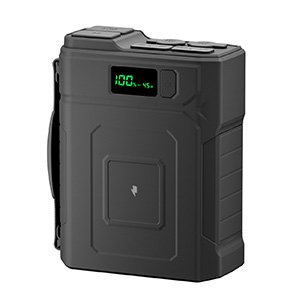
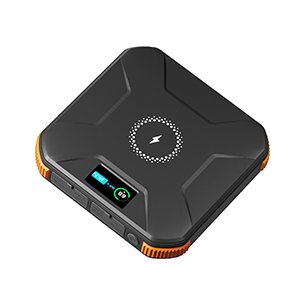
These power packs typically offer 100W USB-C PD, multi-voltage DC output, higher Wh ratings, and better thermal stability.
Example Multi-Device Runtime Scenario
If you are running a 65W laptop, 10W LED lighting, and a 10W router simultaneously, the total draw is 85W.
A 300Wh power pack at 85% efficiency would provide roughly three hours of runtime.
Battery Chemistry Matters
Lithium-ion batteries are lightweight and compact but usually last 500–800 cycles.
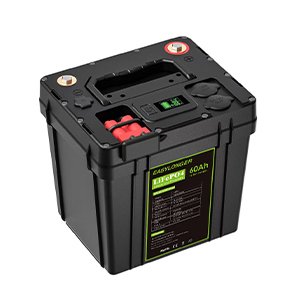
LiFePO4 batteries are heavier but much safer and often exceed 2,000 charge cycles, making them ideal for outdoor and backup use.
Safety Features to Look For
A quality laptop power bank should include a battery management system, over-voltage protection, over-current protection, short-circuit protection, and temperature control.
Avoid uncertified or unprotected power banks for laptop charging.
Frequently Asked Questions
Can a 20,000mAh power bank charge a laptop?
Yes, but usually only for about one hour.
Is a 100W power bank enough for all laptops?
It is enough for most ultrabooks and professional laptops but not for high-end gaming models.
Why does my laptop lose battery while charging?
Because the power bank’s output wattage is lower than the laptop’s actual power consumption.
Is USB-C better than AC for laptops?
Yes. USB-C PD is more efficient, safer, and produces less heat.
Final Thoughts
Charging a laptop with a power bank is absolutely possible, but only with the right specifications.
Understanding wattage, capacity, ports, and efficiency ensures stable charging, longer runtime, device safety, and better value.
Whether you’re traveling, working remotely, or preparing for power outages, choosing the right laptop-capable power bank makes all the difference.