
















Table of Contents
Introduction
A battery may suddenly stop powering a device, refuse to charge, or turn off shortly after a piece of equipment starts.
These problems do not always mean that the battery is permanently damaged. In many cases, the battery’s protection system has detected an operating condition outside its permitted range and has temporarily stopped charging or discharging.
The protection may be related to:
- A device that requires too much power
- High startup power
- Low remaining battery capacity
- An incompatible charger
- A battery that is too hot or too cold
- A loose or damaged cable
- A short circuit
- An internal battery problem
You do not need to understand the battery’s internal electronics to perform a basic check. However, you should never open the battery, bypass its protection system, or repeatedly force it to restart.
This guide explains seven things to check when battery protection is triggered.
What Does Battery Protection Mean?
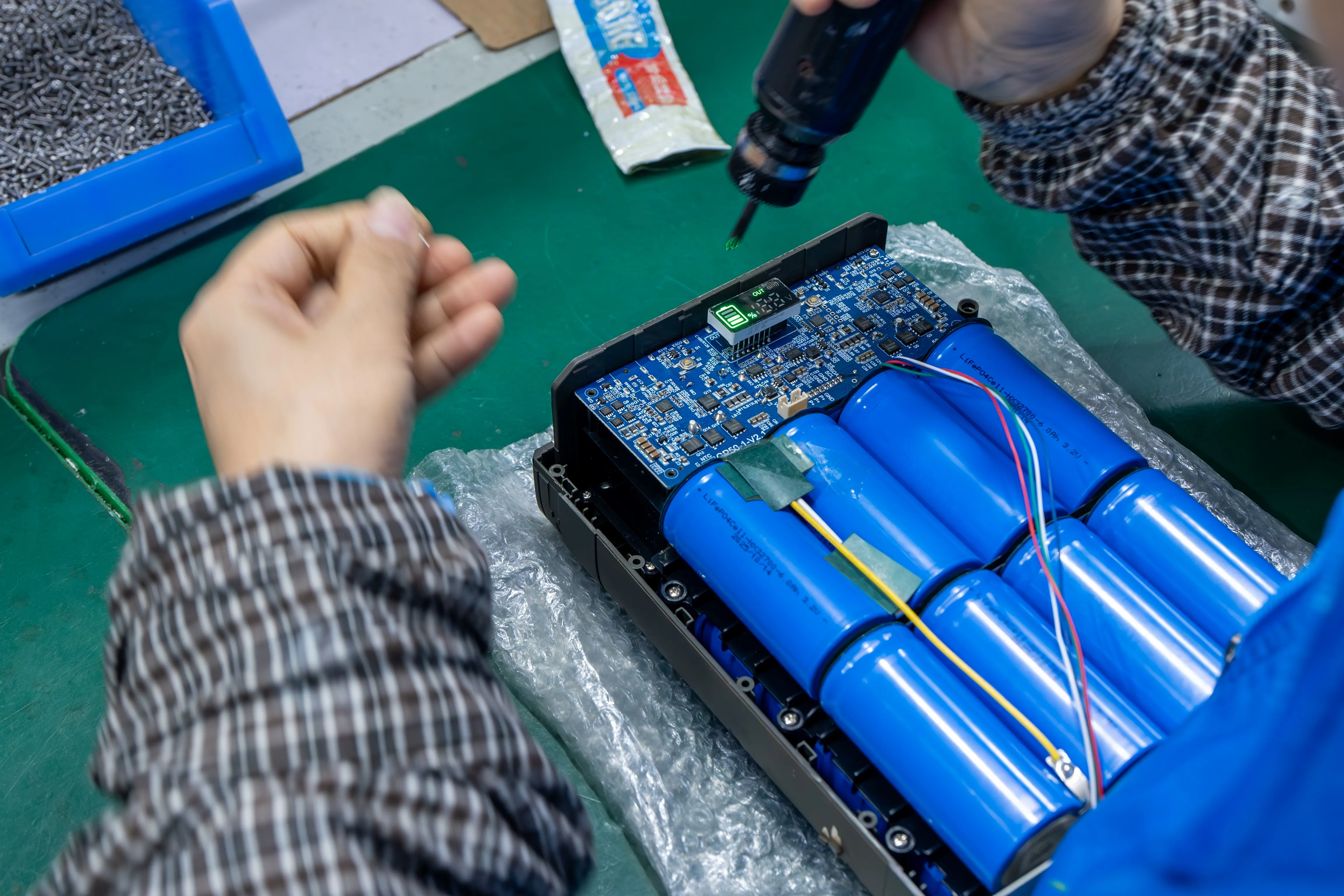
Many rechargeable battery packs contain a battery management system, commonly called a BMS. It monitors important operating conditions and can stop charging or discharging when it detects a problem.
Depending on the battery design, the protection system may respond to:
- Voltage that is too high
- Voltage that is too low
- Excessive charging current
- Excessive discharge current
- A short circuit
- Temperature that is too high
- Temperature that is too low for charging
The battery may disconnect its output, stop accepting a charge, or disable both functions.
Common Signs of Battery Protection
Possible signs include:
- The battery shows remaining capacity but has no output.
- A connected device turns off as soon as it starts.
- The battery does not respond to the charger.
- The display shows an error code.
- An indicator light flashes.
- The output returns after the device is disconnected.
- The battery begins working again after it cools down.
- The battery needs to be turned off and on again.
- The battery starts charging only after its temperature changes.
The exact behavior depends on the battery model. Some batteries recover automatically when the abnormal condition disappears. Others require the load to be disconnected, the power switch to be restarted, or an approved charger to be connected.
Follow the recovery instructions provided for the specific battery.
Protection Does Not Always Mean Battery Damage
A single protection event can be caused by a temporary condition. For example, a refrigerator compressor may require more startup power than the battery can provide, or the battery may be too cold to accept a charge.
Repeated protection is more concerning. It suggests that the battery, device, charger, cable, or operating environment remains unsuitable.
Battery protection is a warning that the system needs to be checked. Resetting the battery without finding the cause may trigger the same protection again.
The Battery Cannot Power the Device
If the battery works with a small light but shuts down when connected to a refrigerator, pump, motor, or heater, the device may require more power than the battery can provide.
The Device May Require Too Much Power
Every battery has an output limit. This may be described as:
- Maximum continuous current
- Maximum continuous power
- Peak current
- Peak power
- Output-port limit
The battery voltage may match the device, but that does not guarantee the battery can supply enough current.
For example, consider a battery with a maximum continuous output of 120W. If a device requires 150W during normal operation, the battery may enter protection even if both products are described as 12V.
Check the labels and manuals for both products. Compare the device’s power requirement with the battery’s output rating.
Some Devices Need Extra Power When Starting
A device may use one amount of power after it begins running and a much larger amount for a short time during startup.
This is common with:
- Refrigerators
- Compressors
- Water pumps
- Air pumps
- Motors
- Fans
- Power tools
- Some inverters
- Equipment with large internal capacitors
A refrigerator may have a modest normal operating power but still require a short burst of higher current when the compressor starts.
If the battery turns off at the same moment the device attempts to start, the startup requirement may exceed the battery’s peak capability.
Too Many Devices May Be Connected
Several low-power devices can also overload a battery when used together.
For example, a user may connect:
- A refrigerator
- LED lighting
- Several phones
- A fan
- A laptop
- A camera charger
Each device may work correctly by itself, but their combined demand may exceed the battery’s total output limit.
Do not assume that every output port can provide its maximum rating at the same time. Some batteries share one total power limit across USB, DC, and other outputs.
What to Check
Record:
- The device’s input voltage
- Its normal power consumption
- Its startup or peak requirement
- The battery’s continuous output limit
- The battery’s peak output limit
- The rating of the output port being used
- Other devices connected at the same time
If the battery shuts down every time the same device starts, ask the battery or equipment manufacturer whether the battery can support that device’s startup demand.
The Battery Cannot Be Charged
A battery that does not charge is not necessarily empty, damaged, or defective. The problem may be the charger, temperature, connection, or protection status.
The Charger May Not Match the Battery
A plug that fits does not prove that a charger is compatible.
The charger must match the battery’s requirements, including:
- Output voltage
- Maximum charging current
- Charging method
- Plug dimensions
- Connector polarity
- Any required communication or control
Different batteries can require different charging voltages and charging methods, even if they are all marketed as 12V batteries.
Using the wrong charger may result in:
- No charging
- Charging that starts and stops
- Incomplete charging
- Protection activation
- Excessive heat
- Battery damage
Use the charger supplied or approved by the battery manufacturer whenever possible.
The Battery May Be Too Cold
Some lithium battery packs stop accepting a charge when the temperature is too low.
A battery may still power a device at a temperature where charging is not permitted. Therefore, the fact that a battery can discharge does not prove that it is warm enough to charge safely.
This may happen when a battery has been:
- Stored overnight in a cold vehicle
- Used during winter camping
- Kept in an unheated building
- Transported in freezing conditions
- Left in cold storage
Move the battery to a suitable indoor environment and allow its temperature to change naturally. Do not place it next to an open flame, heater, or heat gun.
Charging temperature limits vary by battery. Always follow the product instructions.
The Battery May Be Too Hot
Charging may also stop when the battery is too hot.
This can happen after:
- Running a high-power device
- Fast charging
- Long operation in direct sunlight
- Use inside an enclosed compartment
- Poor ventilation
- A connection problem that produces heat
Turn the system off and let the battery cool naturally in a dry, ventilated place.
The Charger or Cable May Be Damaged
Inspect the charger and cable for:
- Cuts
- Crushed insulation
- Bent plugs
- Loose connectors
- Discoloration
- Melted plastic
- Unusual heat
- An abnormal indicator-light pattern
If available, test with another charger that is specifically approved for the same battery model. Do not test with a random charger simply because its plug fits.
What to Do
If the battery will not charge:
- Disconnect the charger.
- Check the battery and charger for visible damage.
- Allow the battery to return to its permitted temperature range.
- Confirm that the charger model and output match the battery.
- Reconnect the approved charger according to the user manual.
- Check for an error code or unusual indicator status.
- Contact the manufacturer if charging still does not begin.
Do not use a higher-voltage charger to force the battery to charge.
The Battery Suddenly Shuts Down
A battery that works for a while and then shuts down may have reached a low charge level, become too hot, or developed a poor electrical connection.
The Remaining Battery Level May Be Too Low
Battery-level displays are estimates. They may become less accurate because of:
- High power consumption
- Low temperature
- Battery aging
- Long storage
- Changing loads
- Incomplete charging
A battery may display remaining capacity but still be unable to support a demanding device.
If the battery works again after being fully charged, the earlier shutdown may have been related to low usable capacity.
However, if runtime has become much shorter than normal, the battery should be checked.
The Battery May Be Too Hot
Heat may build gradually while the battery is operating. Protection may activate only after the battery has powered the device for some time.
Possible causes include:
- High continuous load
- Several devices used together
- Poor ventilation
- Direct sunlight
- A battery covered by clothing or bedding
- A loose connector
- An undersized or damaged cable
- High surrounding temperature
Check the battery, plug, cable, and charger for unusual heat. A hot connector may indicate poor contact even when the battery case itself feels normal.
A Cable or Connector May Be Loose
An unstable connection can interrupt power and produce heat.
Possible causes include:
- A plug that is not fully inserted
- A loose socket
- A damaged cable
- A broken wire inside the insulation
- Corroded terminals
- A worn adapter
- A blown fuse
- Incorrect polarity
Signs of a connection problem include:
- The device turns on and off when the cable moves.
- Power is interrupted by vehicle vibration.
- The battery display remains normal while the device loses power.
- The connector becomes warm.
- The device operates with one cable but not another.
Stop using any connector that is melted, burned, loose, or unusually hot.
What to Check
Ask:
- Was the battery fully charged before use?
- How long had it been operating?
- Which devices were connected?
- Did the shutdown happen during startup or later?
- Was the battery hot?
- Was the connector hot?
- Does the cable look damaged?
- Does the battery recover after cooling?
- Does the same problem happen every time?
These details help distinguish a capacity issue from overheating, overload, or a poor connection.
How to Perform a Basic Safety Check
The following checks can be performed without opening the battery.
Step 1: Disconnect Everything
Turn off the equipment, disconnect all loads, and unplug the charger.
Do not repeatedly switch the battery on and off. Give yourself time to inspect the system first.
Step 2: Inspect the Battery
Look for:
- Swelling
- Deformation
- Cracks
- Leaking material
- Water exposure
- Burn marks
- Melted plastic
- Damaged ports
- Loose parts
Also check for smoke, unusual sounds, or a sharp or burning smell.
If any of these conditions are present, do not continue testing.
Step 3: Check the Temperature
Without touching damaged areas, determine whether the battery, charger, cable, or connector is unusually hot.
Consider the environment:
- Was the battery in direct sunlight?
- Was it inside a closed vehicle?
- Was it covered?
- Was it recently used with a high-power device?
- Was it stored in freezing conditions?
Allow the battery to return naturally to the temperature range stated in its manual.
Step 4: Read the Labels
Compare the labels or specifications of the:
- Battery
- Charger
- Connected device
- Cable or adapter
Confirm that the voltage, current, power, connector, and polarity are compatible.
Step 5: Remove Optional Loads
If the battery appears normal and the manual permits restarting it, do not reconnect every device immediately.
Start with one small, known-good load that is within the battery’s rating. If that works, the original device or total connected load may have caused the protection.
Do not use a large refrigerator, pump, motor, inverter, or heater as the first test load.
Step 6: Follow the Product Manual
Recovery methods vary.
Depending on the product, the battery may:
- Recover automatically
- Require all loads to be removed
- Require the power switch to be restarted
- Require an approved charger
- Require a reset procedure
- Require inspection by the manufacturer
There is no universal safe “wake-up” method for every lithium battery.
When Should You Stop Using the Battery Immediately?
Stop charging, discharging, or testing the battery if you notice:
- Swelling
- A deformed case
- Smoke
- A burning or unusual chemical smell
- Hissing or other unusual sounds
- Leaking material
- A cracked enclosure
- Severe water exposure
- A burned or melted connector
- Repeated overheating
- Melted cable insulation
- Damage from a serious fall, impact, or crushing event
- Repeated protection with the correct device and charger
- An error that returns immediately after every restart
- A fuse that blows again after the cause was supposedly corrected
Move away from the battery if it is smoking, venting, or rapidly heating. Follow the product’s emergency instructions and local emergency guidance.
Do Not Attempt These Actions
Do not:
- Open the battery case
- Touch or test internal cells
- Short the battery terminals
- Bypass the BMS
- Replace a fuse with a larger one
- Force charging with a higher-voltage charger
- Connect another battery to wake it unless the manufacturer specifically authorizes the procedure
- Heat the battery with an open flame or heat gun
- Continue charging a swollen or damaged battery
- Modify the output wires
These actions can disable the battery’s protection and create a more serious hazard.
What Information Should You Give the Manufacturer?
A message saying “the battery does not work” provides too little information for useful troubleshooting.
The manufacturer needs to understand the battery, charger, device, environment, and exact sequence of events.
Battery Information
Provide:
- Battery model
- Serial number
- Purchase or production date
- Rated voltage
- Rated capacity
- Displayed battery level
- Error code
- Indicator-light status
Connected Device Information
Provide:
- Device name
- Device model
- Input voltage
- Normal power
- Startup or peak power, if known
- Whether it contains a motor, compressor, pump, or heater
- Other devices connected at the same time
Charger Information
Provide:
- Charger model
- Output voltage
- Output current
- Whether it is the original or approved charger
- Charger indicator status
- Whether the charger or plug becomes hot
Describe What Happened
Explain:
- Whether the battery was charging or powering a device
- Whether the problem occurred at startup or after running for some time
- The approximate battery level
- How long the battery had been operating
- The surrounding temperature
- Whether the battery felt hot
- Whether the problem occurs every time
- Whether disconnecting the load restores the output
- Whether cooling or charging changes the behavior
- Whether the battery has been dropped, crushed, modified, or exposed to water
Include Clear Photographs or Video
Useful images include:
- Battery label
- Charger label
- Device label
- Complete cable arrangement
- Output connector
- Damaged or discolored areas
- Display and error code
A short video showing the normal connection and the moment the problem occurs may also help, provided that recording the event does not require repeating an unsafe condition.
Troubleshooting Information Template
You can send the manufacturer the following information:
Battery model:
Serial number:
Rated voltage and capacity:
Connected device:
Device input voltage and power:
Other connected devices:
Charger model and output:
Battery level before the problem:
Approximate operating temperature:
What happened:
Error code or indicator status:
Does the battery recover after disconnecting the load?
Does it recover after cooling or charging?
Does the problem happen every time?
Has the battery been dropped, modified, or exposed to water?
Complete information makes it easier to determine whether the problem comes from the load, charger, cable, environment, or battery.
Quick Troubleshooting Table
| What you observe | Possible explanation | What to check first |
|---|---|---|
| Battery shuts down when the device starts | Startup power may be too high | Device peak requirement and battery output rating |
| Battery runs lights but not a refrigerator | Refrigerator may need higher startup current | Startup power and output-port limit |
| Battery will discharge but not charge | Charger mismatch or unsuitable temperature | Charger specifications and battery temperature |
| Battery stops after operating for some time | Low charge, overheating, or a loose connection | Battery level, temperature, cable, and connector |
| Battery works again after cooling | Temperature protection may have activated | Load, ventilation, and surrounding temperature |
| Device turns off when the cable moves | Loose or damaged connection | Cable, plug, socket, and fuse |
| Connector becomes hot | Poor contact, damaged connector, or excessive current | Stop use and inspect the connection |
| Protection returns after every reset | The original problem remains or the battery needs service | Disconnect everything and contact the manufacturer |
Conclusion
Battery protection is designed to stop charging or output when operating conditions become unsuitable. A protection event does not automatically mean that the battery is permanently damaged, but it should not be ignored.
If the battery cannot power a device, check the device’s normal and startup power. If the battery cannot charge, confirm that the charger is compatible and the temperature is within the permitted range. If the battery suddenly turns off, check its remaining charge, temperature, cable, connector, and total connected load.
Ordinary users should limit troubleshooting to external checks. Do not open the battery or bypass its protection system.
Stop using the battery immediately if it swells, leaks, smokes, produces an unusual smell, becomes severely hot, or has burned connectors. Repeated protection also requires further investigation.
When contacting the manufacturer, provide the battery model, charger specifications, connected device, operating conditions, error information, and clear photographs. The more complete the information, the easier it is to identify the cause and recommend a safe solution.
Frequently Asked Questions
Does Battery Protection Mean the Battery Is Damaged?
Not necessarily. The battery may have temporarily stopped because of excessive current, low charge, high or low temperature, a short circuit, or another abnormal condition. Repeated protection should be investigated.
Why Does the Battery Shut Down When My Device Starts?
The device may require a brief startup current higher than the battery or output port can provide. This is common with compressors, refrigerators, pumps, and motors.
Why Can the Battery Run a Light but Not a Refrigerator?
A light normally uses steady, relatively low power. A refrigerator may require much higher power when its compressor starts.
Why Will the Battery Discharge but Not Charge?
The battery may be too cold or too hot for charging, the charger may be incompatible, or charging protection may be active.
Can Cold Weather Stop a Lithium Battery From Charging?
Yes. Some lithium batteries block charging below a specified temperature. The exact limit depends on the battery model.
Why Does the Battery Work Again After Cooling Down?
Temperature protection may have stopped charging or output. Cooling can remove the temporary condition, but repeated overheating means the load, installation, or battery should be checked.
Can a Loose Cable Cause the Battery to Shut Down?
Yes. A loose or damaged connection can interrupt power, create voltage loss, and produce heat.
Should I Reset the Battery Repeatedly?
No. If protection returns, stop and find the cause. Repeated resets do not correct an overload, short circuit, temperature problem, or damaged connection.
Can I Use Another Charger if the Plug Fits?
Only if the charger is confirmed to match the battery’s voltage, current, charging method, connector, and polarity. A fitting plug does not prove compatibility.
When Should I Stop Using the Battery Immediately?
Stop if the battery swells, leaks, smokes, smells unusual, becomes severely hot, makes unusual sounds, or has burned or melted connections.
Can I Open the Battery to Check the Problem?
No. Internal inspection should be performed by the manufacturer or a qualified battery technician.
What Information Should I Send to the Manufacturer?
Send the battery model and serial number, charger details, device specifications, error code, battery level, temperature, operating conditions, and photographs of the labels and connections.